


How to Find Information in Word with Copilot
Scrolling through documents to find relevant information used to be a tedious task, before the beloved Ctrl + F shortcut came in. Now it’s had an upgrade, thanks to Microsoft 365 Copilot. This simplifies the process of finding information in Word documents, even further, being able to locate based on context as well as exact matches.
Imagine you have a 20-page RFP and need to extract specific details without combing through every page. Copilot allows you to summarise the document, understand its structure, and find specific information like due dates or contact details with ease. It’s not just a keyword search; Copilot understands the context and delivers the information you need.
How does Copilot in Word save time?
Consider the scenario where you need to find the submission deadline in a lengthy proposal document. Instead of searching for the term “due date,” which might not even be used in the document, you ask Copilot for the submission deadline. Copilot comprehends the context and provides you with the exact dates, saving you precious time and effort.
Copilot does this by understanding that ‘due date’, ‘submission deadline’, or even ‘go-live date’ are all potentially the information you are looking for, as such it will return these as results. In comparison to a keyword search which returns like for like.
There will also be times where you need to summarise a lengthy document for ease of understanding. A simple prompt to Copilot will generate a summary of the document allowing you to understand the skeleton without reading through the entire detail.
What Else Can Copilot Do in Word?
- Turn a Word Document into a Powerpoint: Turning a Word document into a PowerPoint presentation is a tedious and time-consuming task. Now, with Microsoft Copilot, you can create an initial draft in a matter of minutes.
- Draft Full Documents Based on Other Files: Copilot can generate a complete document by referencing existing files, ensuring consistency and saving you from starting from scratch. A great example would be drafting a Business Plan based on various items of research, or even a previous business plan you have.
- Turn a Transcript into a Structured Document: Sounds niche, but imagine you have a transcript that needs to be repurposed as a guide, or FAQ document, etc – Copilot can do this with ease.
- Turn Sections into Tables for Ease of Viewing: For better clarity and organisation, Copilot can transform sections of your document into neatly formatted tables.
- Microsoft 365 Copilot. This simplifies the process of finding information in Word documents, even further, being able to locate based on context as well as exact matches. Imagine you have a 20-page RFP and need to extract specific details without combing through every page. Copilot allows you to summarise the document, understand its structure, and find specific information like due dates or contact details with ease. It's not just a keyword search; Copilot understands the context and delivers the information you need.">Comparing Two Documents to Find the Difference: Need to compare two CVs? Copilot can highlight the differences, making it easy to evaluate and make decisions.
Microsoft 365 Copilot is not just a tool; it’s your partner in navigating the detailed and lengthy information. By leveraging AI, Copilot transforms the way you work with documents, making your Word experience more efficient and enjoyable.
Get Copilot-Ready
Copilot’s powerful feature set makes it a great addition to any workforce. But setting up Copilot securely can feel daunting.
AAG’s comprehensive support helps you get the most out of Copilot. An initial consultation and readiness assessment ensures that the new services can be accessed securely, while customised training helps your team understand Copilot features and its applications in their workflows. We’ll even run regular updates based on your usage to keep your Copilot services optimised.
Contact us today to get your Copilot readiness assessment.

How can AAG help you with Copilot?

How to use Copilot to keep meeting minutes and action points (updated 2026)
Managing emails efficiently can be a daunting task. Copilot in Outlook can enable you to catch up, prepare and follow-up with ease. Read more. Read More

What is Microsoft Copilot?
Microsoft Copilot is the new AI-powered assistant that promises to enhance productivity for businesses using 365 products. Read More
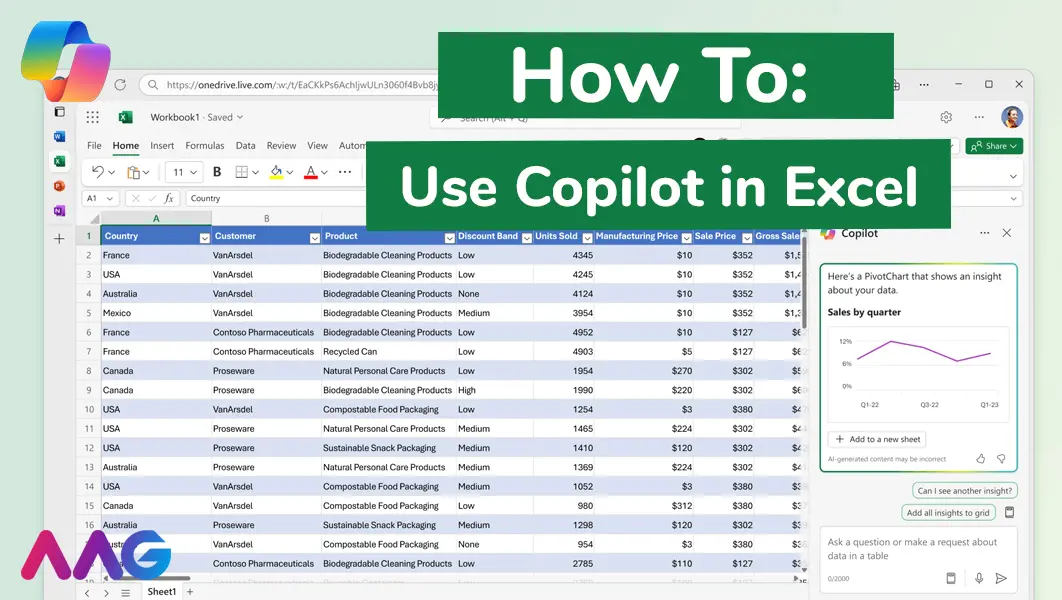
How to use Microsoft Copilot in Excel
Managing huge data sets and organising multiple spreadsheets is often time-consuming and tedious. Microsoft Copilot offers teams a powerful tool for streamlining data analysis and a range of other tasks within Excel - we show you how. Read More
Related insights
Browse more articles from our experts and discover how to make better use of IT in your business.

Employee of the Quarter – Ben Bedford
Congratulations to Ben Bedford, our Service Delivery Manager, who has been awarded Employee of the Quarter. He embodies all of our values and we’re both proud and delighted to celebrate his work and achievements this quarter. Read More

Welcoming Jake Taylor to the AAG service desk
IT service roles really do take all kinds, and we’re delighted to welcome former Head Chef, of the “Best Restaurant in Chesterfield” to AAG. Read More

20 Essential Questions To Ask Your IT Provider in 2026
Ensure you're getting the best IT support. Ask your existing provider these 20 essential questions to evaluate their services and consider if it's time to switch. Read More
