


Analysing Sales Data with Copilot
Copilot is already an invaluable tool for businesses, offering a simplified yet powerful way to analyse sales data – among much other features. Its capabilities in forecasting, data analysis, and automation make it a versatile assistant in Excel, even for those without technical expertise.
How to analyse sales data with Microsoft Copilot
Sales data is a critical component of any business, providing insights into performance, customer behaviour, and market trends. Analysing this data effectively can lead to better decision-making and strategic planning.
Microsoft Copilot, an AI-powered assistant, is designed for a plethora of uses within your organisation. But one way businesses are gaining a competitive edge is to utilise the tool within Microsoft Excel to analyse sales data efficiently.
How does Copilot in Excel save time?
In it’s current form, Copilot is unlikely to save time for ‘Excel Power Users’. However, as we know these people are few and far between, so being able to carry out X lookups, conditional formatting, and percentage change analytics for the average Excel user is a huge timesaver. In the real world, this won’t only save the user time, but it will save the business ‘Excel Guru’ time as they will no longer be the go-to person for all Excel related queries.
How Can Copilot Help Analyse Sales Data?
Copilot simplifies the analysis of sales data by automating complex tasks and providing intuitive insights. For instance, as you’ll see in the video, it can insert a column after the Q2 total showing the percentage change from Q1, Q2, helping to track performance over time. It can also perform X lookups, a task that can be challenging for those not well-versed in Excel, ensuring accurate data matching without the usual frustration.
Can Copilot Forecast Sales in Excel?
Yes, Copilot can forecast sales in Excel. It utilises historical data to predict future sales, expenses, or any other metric crucial to your business. This feature allows executives to plan ahead with greater confidence, backed by data-driven forecasts.
Is the full Copilot available for Excel?
Copilot is currently available for Excel in a preview mode. This means that while it’s not the final version, it’s functional and continuously being improved with new features. Users can already benefit from its data analysis and visualisation capabilities, such as generating formula column suggestions and creating insightful charts and PivotTables.
When Will the Full Version of Copilot Be Available for Excel?
The full version of Copilot for Excel is expected to be launched to the public in September 2024. Although it’s currently in preview, users can already experience a glimpse of its full potential and how it can transform the analysis of sales data.
Looking for more answers to your Copilot questions? Read our Copilot FAQ article.
Get Copilot-Ready
Copilot’s powerful feature set makes it a great addition to any workforce. But setting up Copilot securely can feel daunting.
AAG’s comprehensive support helps you get the most out of Copilot. An initial consultation and readiness assessment ensures that the new services can be accessed securely, while customised training helps your team understand Copilot features and its applications in their workflows. We’ll even run regular updates based on your usage to keep your Copilot services optimised.
Contact us today to get your Copilot readiness assessment.

How can AAG help you with Copilot?

How to use Copilot to keep meeting minutes and action points (updated 2026)
Managing emails efficiently can be a daunting task. Copilot in Outlook can enable you to catch up, prepare and follow-up with ease. Read more. Read More

What is Microsoft Copilot?
Microsoft Copilot is the new AI-powered assistant that promises to enhance productivity for businesses using 365 products. Read More
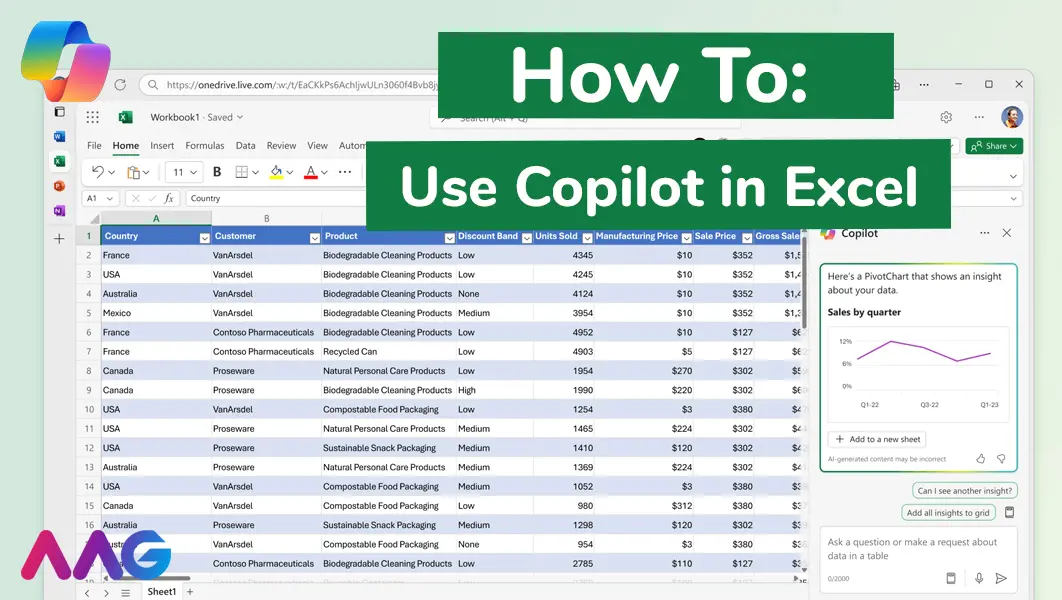
How to use Microsoft Copilot in Excel
Managing huge data sets and organising multiple spreadsheets is often time-consuming and tedious. Microsoft Copilot offers teams a powerful tool for streamlining data analysis and a range of other tasks within Excel - we show you how. Read More
Related insights
Browse more articles from our experts and discover how to make better use of IT in your business.

Employee of the Quarter – Ben Bedford
Congratulations to Ben Bedford, our Service Delivery Manager, who has been awarded Employee of the Quarter. He embodies all of our values and we’re both proud and delighted to celebrate his work and achievements this quarter. Read More

Welcoming Jake Taylor to the AAG service desk
IT service roles really do take all kinds, and we’re delighted to welcome former Head Chef, of the “Best Restaurant in Chesterfield” to AAG. Read More

20 Essential Questions To Ask Your IT Provider in 2026
Ensure you're getting the best IT support. Ask your existing provider these 20 essential questions to evaluate their services and consider if it's time to switch. Read More
