


How to Use Copilot in Outlook
Firstly, to start using Copilot in Outlook, simply click on the Copilot icon. This feature allows you to draft responses with the assistance of Copilot, adapting to your personal writing style and preferences for directness and structure. Or even use as a coach to gather feedback on the tone of your emails.
Then for long email threads, you get a quick summary with the click of a button and here’s how:
How Copilot Can Help with Long Email Threads
When faced with a lengthy email thread, Copilot can help you by summarising the conversation and suggesting a structured reply. This ensures that you address each point raised in the thread effectively and efficiently.
Summarising the Thread
Copilot can analyse the entire email thread and provide a concise summary, highlighting the key points and action items. This allows you to quickly catch up on the discussion without reading through every single email.
Replying to the Email
After summarising, Copilot can assist you in writing a reply, whether this is as detailed as acknowledging each participant’s input and suggesting the next steps (such as the video example), or a brief response with collecting thanks.
For instance, if the thread discusses a social campaign, Copilot can help you thank the team for their ideas and propose starting with the suggested approach.
How to Use Copilot to Reply to Emails
Copilot doesn’t just summarise and reply to long threads; it can also help you structure your emails from scratch. By understanding your writing nuances, Copilot ensures that your emails are well-organised and reflect your personality.
What Else Can Copilot Do in Outlook?
Copilot is a versatile tool that can enhance your email experience in multiple ways:
- Summarise Email Threads: Quickly get to the heart of lengthy discussions.
- Find Emails and Attachments: Easily locate specific messages and documents.
- Drafting Full Emails and Replies: Generate well-structured emails that resonate with your personal writing style.
- Improving Tone of Emails: Copilot also acts as a coach, suggesting improvements to tone and clarity.
By leveraging Copilot, you can transform your email management, making it more efficient and personalised.
Get Copilot-Ready
Copilot’s powerful feature set makes it a great addition to any workforce. But setting up Copilot securely can feel daunting.
AAG’s comprehensive support helps you get the most out of Copilot. An initial consultation and readiness assessment ensures that the new services can be accessed securely, while customised training helps your team understand Copilot features and its applications in their workflows. We’ll even run regular updates based on your usage to keep your Copilot services optimised.
Contact us today to get your Copilot readiness assessment.


How to use Copilot to keep meeting minutes and action points (updated 2026)
Managing emails efficiently can be a daunting task. Copilot in Outlook can enable you to catch up, prepare and follow-up with ease. Read more. Read More

What is Microsoft Copilot?
Microsoft Copilot is the new AI-powered assistant that promises to enhance productivity for businesses using 365 products. Read More
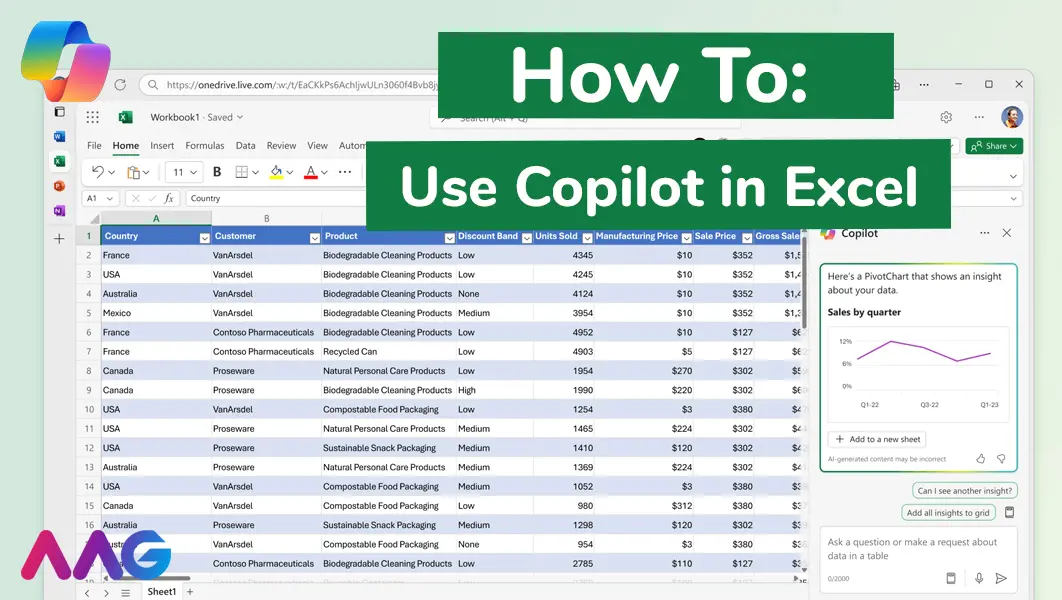
How to use Microsoft Copilot in Excel
Managing huge data sets and organising multiple spreadsheets is often time-consuming and tedious. Microsoft Copilot offers teams a powerful tool for streamlining data analysis and a range of other tasks within Excel - we show you how. Read More
How can AAG help you with Copilot?
Related insights
Browse more articles from our experts and discover how to make better use of IT in your business.

Employee of the Quarter – Ben Bedford
Congratulations to Ben Bedford, our Service Delivery Manager, who has been awarded Employee of the Quarter. He embodies all of our values and we’re both proud and delighted to celebrate his work and achievements this quarter. Read More

Welcoming Jake Taylor to the AAG service desk
IT service roles really do take all kinds, and we’re delighted to welcome former Head Chef, of the “Best Restaurant in Chesterfield” to AAG. Read More

20 Essential Questions To Ask Your IT Provider in 2026
Ensure you're getting the best IT support. Ask your existing provider these 20 essential questions to evaluate their services and consider if it's time to switch. Read More
