


Microsoft 365 Chat with Copilot
Microsoft 365 Chat with Copilot centralises information access and automates routine tasks, allowing users to focus on strategic and creative activities. Whether drafting emails or locating files, it offers a versatile and user-friendly solution for daily operations.
How to use Microsoft 365 Chat with Copilot
Microsoft 365 Chat with Copilot is designed to streamline communication and enhance productivity within your day-to-day. Its integration with various Microsoft 365 applications and external data sources like Jira, Salesforce, or Zendesk stands as evidence of its versatility and user-centric design.
The capability to both retrieve external and internal data offers users a unified platform for information access. This feature is not just a convenience but a strategic asset, enabling users to work more efficiently, and ultimately spend more time on higher value tasks.
Pro Tip: Utilise the customisation options through plugins and connectors to create a personalised chat experience.
AI-driven features of Microsoft 365 Chat assist users in automating routine tasks such as form generation, information extraction from documents, and email drafting. These AI capabilities save time and reduce the load on employees, leading to a more efficient work process.
Using Templates to Generate an Output with Context
Templates in Microsoft 365 Chat are not just about creating a standard document structure. They serve as a foundation for generating context-aware outputs that are tailored to the specific needs. For example, if you need to draft an email response to a customer complaint, you can provide Copilot with both a document outlining a complaints procedure, with the complaint email and the AI will generate an email draft for you, based on the procedure provided.
This intelligent use of templates streamlines the creation process, ensuring consistency while also allowing for the flexibility needed in a fast-moving work environment. By taking this heavy lifting work off a user, it allows them to focus their time on more creative and profitable tasks.
What else can Microsoft 365 Chat do?
It might be quicker to list the things it can’t do… like making a brew, unfortunately. Because this AI tool can undertake a whole host of tasks, including but most certainly not limited to:
- Writing (pretty much anything) a great example: a request for a proposal
- Suggestions: need an engaging blog title? Or a name for your pub quiz team?
- Answering questions: it can help you learn more about a topic, decode acronyms, or even tell you what your company benefits are
- Locating files: by using Graph-Grounded chat Copilot can help you locate files within your 365 tenancy
- Translator: need some text translating? Hit copy and paste with the prompt of asking it to translate to your desired language and it will do just that

How can AAG help you with Copilot?

How to use Copilot to keep meeting minutes and action points (updated 2026)
Managing emails efficiently can be a daunting task. Copilot in Outlook can enable you to catch up, prepare and follow-up with ease. Read more. Read More

What is Microsoft Copilot?
Microsoft Copilot is the new AI-powered assistant that promises to enhance productivity for businesses using 365 products. Read More
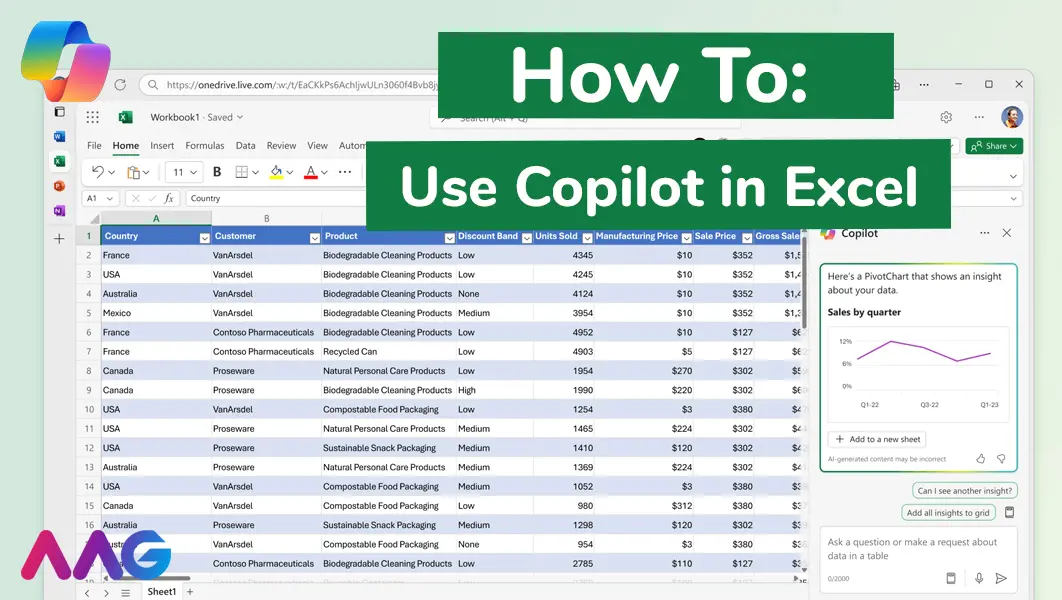
How to use Microsoft Copilot in Excel
Managing huge data sets and organising multiple spreadsheets is often time-consuming and tedious. Microsoft Copilot offers teams a powerful tool for streamlining data analysis and a range of other tasks within Excel - we show you how. Read More
Related insights
Browse more articles from our experts and discover how to make better use of IT in your business.

Employee of the Quarter – Ben Bedford
Congratulations to Ben Bedford, our Service Delivery Manager, who has been awarded Employee of the Quarter. He embodies all of our values and we’re both proud and delighted to celebrate his work and achievements this quarter. Read More

Welcoming Jake Taylor to the AAG service desk
IT service roles really do take all kinds, and we’re delighted to welcome former Head Chef, of the “Best Restaurant in Chesterfield” to AAG. Read More

20 Essential Questions To Ask Your IT Provider in 2026
Ensure you're getting the best IT support. Ask your existing provider these 20 essential questions to evaluate their services and consider if it's time to switch. Read More
