


Here’s a simple guide to help you manage these prompts effectively.
Step-by-Step Guide
1. Understand the Importance
Restart prompts are crucial for applying updates that keep your system secure. Regular restarts, about once or twice a week, are also good for your device’s performance.
2. Save Your Work
When you see a restart prompt, make sure to save all your work. This prevents any loss of data and ensures a smooth restart process. Utilising applications in Microsoft 365 Sharepoint automatically saves your work for you.
3. Take a Break
Use the restart time as an opportunity to take a short break. Make a cup of tea or coffee and give your device the refresh it needs.


How to use Copilot to keep meeting minutes and action points (updated 2026)
Managing emails efficiently can be a daunting task. Copilot in Outlook can enable you to catch up, prepare and follow-up with ease. Read more. Read More

What is Microsoft Copilot?
Microsoft Copilot is the new AI-powered assistant that promises to enhance productivity for businesses using 365 products. Read More
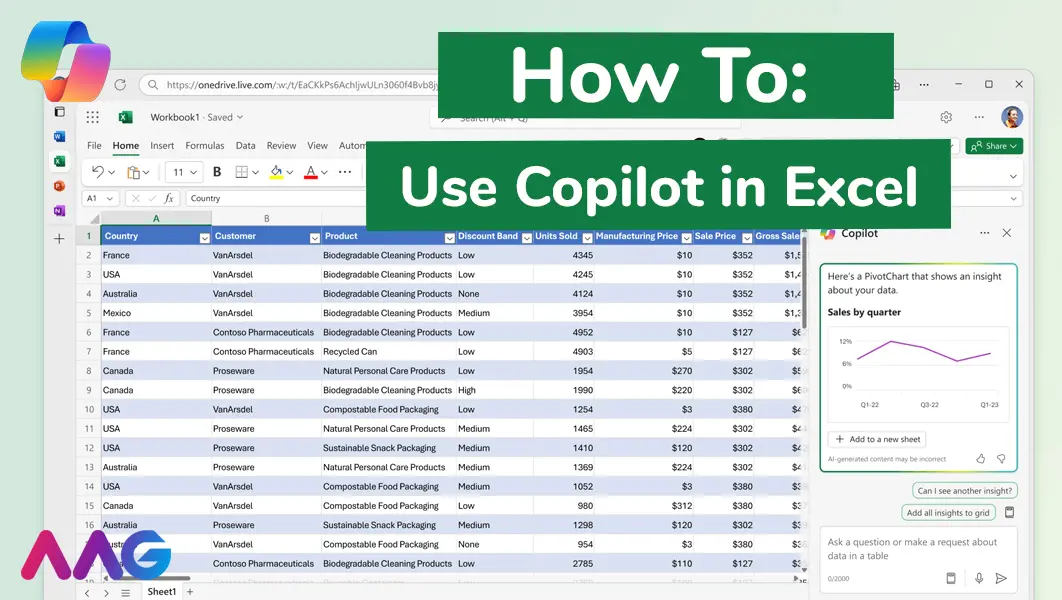
How to use Microsoft Copilot in Excel
Managing huge data sets and organising multiple spreadsheets is often time-consuming and tedious. Microsoft Copilot offers teams a powerful tool for streamlining data analysis and a range of other tasks within Excel - we show you how. Read More
How can AAG help with your IT support?
Related insights
Browse more articles from our experts and discover how to make better use of IT in your business.

Employee of the Quarter – Ben Bedford
Congratulations to Ben Bedford, our Service Delivery Manager, who has been awarded Employee of the Quarter. He embodies all of our values and we’re both proud and delighted to celebrate his work and achievements this quarter. Read More

Welcoming Jake Taylor to the AAG service desk
IT service roles really do take all kinds, and we’re delighted to welcome former Head Chef, of the “Best Restaurant in Chesterfield” to AAG. Read More

20 Essential Questions To Ask Your IT Provider in 2026
Ensure you're getting the best IT support. Ask your existing provider these 20 essential questions to evaluate their services and consider if it's time to switch. Read More
