


How to Change Send From Email Address
Changing the “send from” email address means selecting a different email address to appear in the “From” field when you send an email. This can be useful if you have multiple email accounts and want to send an email from a different address without switching accounts.
Changing the “send from” email address is a simple process that can make managing your emails much easier and can help you keep your communications organised and professional.
How to change the send from email address
- Open Outlook and start a new email.
- Click on the “From” button in the email window. If you don’t see the “From” button, click on the “Options” tab and then click “From” to enable it.
- Click on the “From” dropdown menu and select “Other Email Address.”
- In the dialog box that appears, enter the email address you want to send from and click “OK.”
- The “From” field will now show the new email address. You can proceed to compose and send your email.
Note you will need send permissions from the email address you are wanting to send from.
Once you’ve added a “send as” email address, Outlook will remember it, and you can select it from the dropdown menu in the future.


How to use Copilot to keep meeting minutes and action points (updated 2026)
Managing emails efficiently can be a daunting task. Copilot in Outlook can enable you to catch up, prepare and follow-up with ease. Read more. Read More

What is Microsoft Copilot?
Microsoft Copilot is the new AI-powered assistant that promises to enhance productivity for businesses using 365 products. Read More
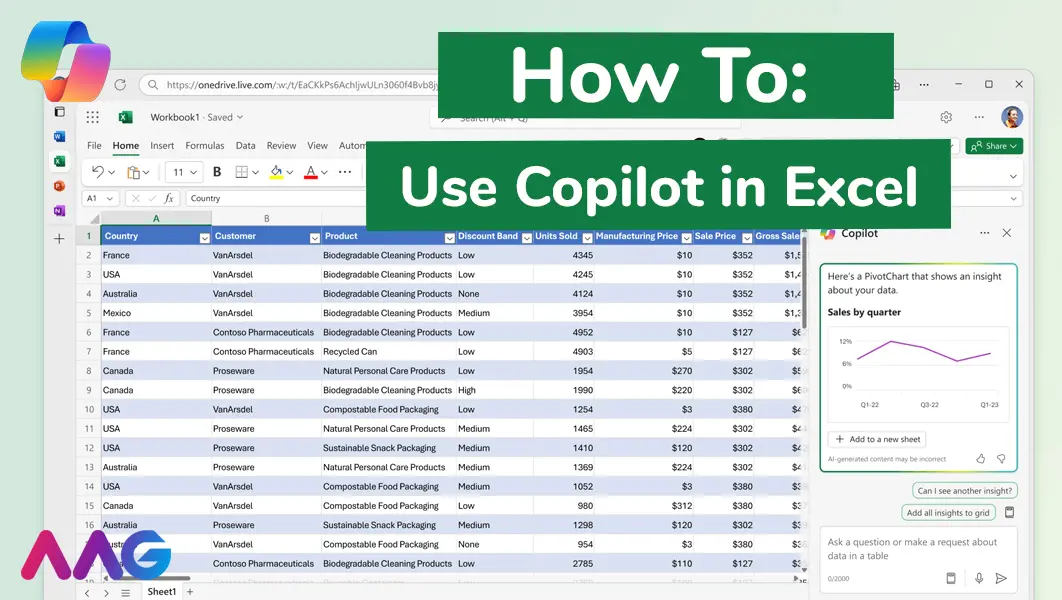
How to use Microsoft Copilot in Excel
Managing huge data sets and organising multiple spreadsheets is often time-consuming and tedious. Microsoft Copilot offers teams a powerful tool for streamlining data analysis and a range of other tasks within Excel - we show you how. Read More
How can AAG help you with your IT Support?
Related insights
Browse more articles from our experts and discover how to make better use of IT in your business.

Employee of the Quarter – Ben Bedford
Congratulations to Ben Bedford, our Service Delivery Manager, who has been awarded Employee of the Quarter. He embodies all of our values and we’re both proud and delighted to celebrate his work and achievements this quarter. Read More

Welcoming Jake Taylor to the AAG service desk
IT service roles really do take all kinds, and we’re delighted to welcome former Head Chef, of the “Best Restaurant in Chesterfield” to AAG. Read More

20 Essential Questions To Ask Your IT Provider in 2026
Ensure you're getting the best IT support. Ask your existing provider these 20 essential questions to evaluate their services and consider if it's time to switch. Read More
