


Business technology is enhancing and Microsoft 365 Copilot stands as a beacon of innovation, ready to transform efficiency and productivity within your day-to-day work.
At its core, Microsoft 365 Copilot is built upon the latest advancements in artificial intelligence (AI), specifically leveraging large language models like ChatGPT-4 and image generators such as DALL-E 3. This integration into Microsoft 365 apps allows the AI to do the ‘heavy lifting’ of mundane tasks, whilst employees can focus more time on more creative jobs.
Copilot’s versatility includes drafting emails in Outlook, creating compelling presentations in PowerPoint, streamlining the process of handling customer complaints, generating reports, and even coding, by providing suggestions and completing tasks that would otherwise consume valuable time.
0:00 – 06:03 – Security Considerations
06:04 – 13:11 – Copilot Microsoft 365 Chat
13:12 – 17:39 – How to summarise email threads
17:40 – 19:45 – How to reply to a long email thread
19:46 – 23:03 – How to use Copilot to improve emails
23:04 – 28:35 – How to use intelligent recap in Teams
28:36 – 31:56 – How to extract information from a Word doc
31:57 – 34:32 – How to turn a transcript into a structured document
34:33 – 38:45 – How to create a Powerpoint from a Word doc
38:46 – 45:31 – How to anaylse sales data with Copilot
45:32 – 47:35 – How Copilot saves Excel Power Users time
47:36 – 51:08 – Top efficiencies with Copilot
51:09 – 1:00:20 – Copilot Q&A
Looking to get started with Microsoft Copilot? Book a free call and we’ll help you understand next steps.


How to use Copilot to keep meeting minutes and action points (updated 2026)
Managing emails efficiently can be a daunting task. Copilot in Outlook can enable you to catch up, prepare and follow-up with ease. Read more. Read More

What is Microsoft Copilot?
Microsoft Copilot is the new AI-powered assistant that promises to enhance productivity for businesses using 365 products. Read More
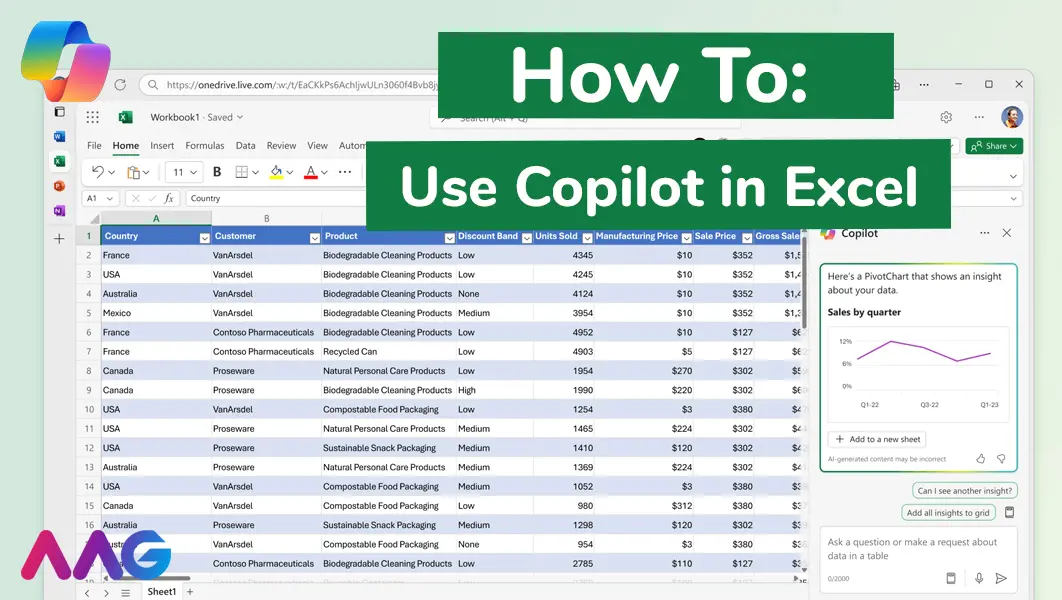
How to use Microsoft Copilot in Excel
Managing huge data sets and organising multiple spreadsheets is often time-consuming and tedious. Microsoft Copilot offers teams a powerful tool for streamlining data analysis and a range of other tasks within Excel - we show you how. Read More
How can AAG help you with Copilot?
Related insights
Browse more articles from our experts and discover how to make better use of IT in your business.

Employee of the Quarter – Ben Bedford
Congratulations to Ben Bedford, our Service Delivery Manager, who has been awarded Employee of the Quarter. He embodies all of our values and we’re both proud and delighted to celebrate his work and achievements this quarter. Read More

Welcoming Jake Taylor to the AAG service desk
IT service roles really do take all kinds, and we’re delighted to welcome former Head Chef, of the “Best Restaurant in Chesterfield” to AAG. Read More

20 Essential Questions To Ask Your IT Provider in 2026
Ensure you're getting the best IT support. Ask your existing provider these 20 essential questions to evaluate their services and consider if it's time to switch. Read More
